If you’ve ever wondered how businesses grow their SMS subscriber lists quickly and consistently, there’s usually one tool at the center of it: keywords. Keywords are one of the simplest and most effective features in Mobiniti, and once you understand how they work, you’ll wonder how you ever marketed without them.
Whether you’re just getting started or looking to sharpen your strategy, here’s everything you need to know.
What Is a Keyword?
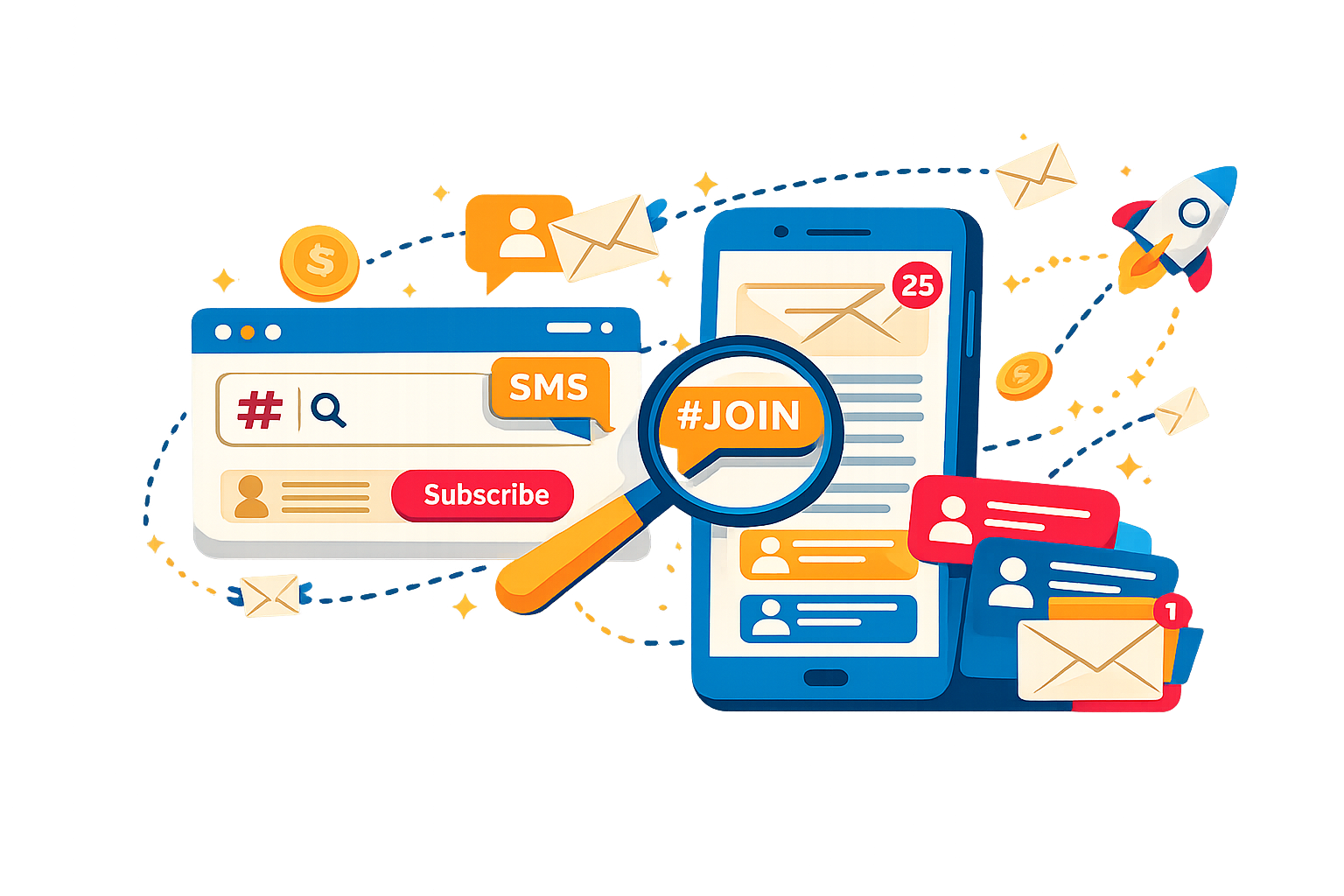
A keyword is a short word or phrase that people text to your short code in order to join your contact list. When someone sends that text, Mobiniti automatically replies with your customized opt-in message and adds them to the corresponding group.
The standard formula for advertising it is:
“Text KEYWORD to SHORT CODE to join”
Demo Keywords vs. Custom Keywords
Every Mobiniti account comes with one free demo keyword. These are auto-assigned as random color-and-animal combinations, like “bluebuffalo.” They’re great for testing and getting familiar with the platform before you go live.
When you’re ready to represent your brand, you can purchase a custom keyword (like “PIZZA” or “FITLIFE”) based on availability. No two accounts can share the same keyword. If someone else already has it, you’ll need to find another. Mobiniti’s built-in availability checker makes this quick and easy. Check your current plan or reach out to the Mobiniti team for pricing details.
Keywords and Groups: How They Work Together
In Mobiniti, keywords are tied directly to Groups. Every keyword lives inside a group, and when someone opts in via that keyword, they’re automatically added to that group. This is the foundation of how you organize and segment your audience for targeted campaigns later.
You can create a keyword inside a new group or add one to an existing group. Here’s how:
- Click the Groups & Keywords tab in the sidebar.
- Click Create New Group / Keyword (or Edit Group for an existing one).
- Enter your desired keyword and click Check Availability.
- If it’s available, save your group. The keyword is now live.
You can use multiple keywords across different groups: one for a seasonal promotion, another for a loyalty program, another for a specific location. Each routes new subscribers into their own segment, giving you cleaner data and more targeted follow-up messaging down the line.
Setting Up Your Auto-Reply
The moment someone texts your keyword, Mobiniti fires back your customized opt-in message automatically. This is your first impression, so make it count.
A strong auto-reply should:
- Confirm they’ve joined so they know the opt-in worked
- Deliver on any promise you made in your advertising: a discount code, exclusive access, or whatever incentive you offered
- Set expectations for what they’ll receive and how often
- Include the required compliance language (see below)
Don’t treat the auto-reply as a throwaway confirmation. It arrives at the exact moment someone has raised their hand to hear from you, making it your highest-engagement touchpoint.
Staying Compliant: What You Must Include
Mobiniti is built for CTIA-compliant SMS marketing, but whenever and wherever you advertise your keyword—on your website, social media, printed materials, in-store signage—you are required to include the following terms:
Message and data rates may apply. Reply STOP to opt out or HELP for help.
You should also link to your Terms of Service and Privacy Policy wherever you’re collecting opt-ins. And always frame your promotion as an invitation. You’re asking people if they’d like to join, not telling them they’re being enrolled. That distinction is both a compliance requirement and a trust-builder with your audience.
If you have questions about compliant opt-in processes, you can reach the Mobiniti support team directly at cs@mobiniti.com.
Beyond the Keyword: Other Opt-In Tools in Mobiniti
Keywords are the most popular opt-in method, but Mobiniti offers companion tools that work alongside them to capture subscribers across different channels.
Web Opt-In Pages: Under the Groups & Keywords tab, you can create a customizable web opt-in page to represent your brand. Share the link on your website, social media, or anywhere online to capture subscribers who prefer a form-based sign-up.
QR Codes: Mobiniti can generate a QR code for any keyword you’ve set up. When someone scans it with their phone camera, it opens their default messaging app and prompts them to subscribe. To generate one, go to Groups & Keywords, click the Generate QR Code action button, select the keyword you want to use, and download. Once you have it, the QR code can go on flyers, social media posts, packaging, event signage; anywhere your audience will see it.
Tips for Choosing a Keyword That Works
Not all keywords are created equal. Here’s what separates a forgettable one from a keyword that actually drives opt-ins:
Keep it short and easy to spell. One word is ideal. Fewer characters means fewer chances for a typo. Avoid anything that could be spelled multiple ways. Ambiguous spelling will cost you subscribers.
Make it brand-relevant. It should immediately signal to someone what they’re signing up for. If it feels like a natural extension of your business, you’ve nailed it.
Avoid adding numbers just to make it work. If your first choice is taken and the only available alternative is something like “Example1,” keep brainstorming. A clean, memorable keyword is worth the extra effort.
Use campaign-specific keywords when it makes sense. A separate keyword for each promotion, product line, or location gives you cleaner data and makes it easy to send targeted follow-ups to only the relevant subscribers.
Where to Promote Your Keyword
A keyword is only as effective as the visibility you give it. Once yours is live, get it in front of your audience everywhere they already encounter your brand:
- In-store: Receipts, table tents, window decals, counter displays, and staff conversations
- Social media: Post graphics with your keyword, add it to your bio, feature it in stories
- Email: Invite your existing email subscribers to join your text list for faster updates and exclusive deals
- Your website: Header, footer, pop-up, or a dedicated SMS sign-up section
- Packaging and order inserts: A simple card tucked into a shipment can convert happy customers into SMS subscribers
- Events and pop-ups: Display your keyword prominently and offer an on-the-spot incentive for signing up
Ready to Set Up Your First Keyword?
Head to the Groups & Keywords tab in your Mobiniti account to get started. If you have questions along the way, the support team is available via live chat, or you can reach out directly at support@mobiniti.com.
Your list isn’t going to grow itself, but with the right keyword in place, it comes pretty close.